ARTISTS & AGENTS
< BACK
BROWSE & APPLY:
STAGE DOOR NETWORK scans project details and required skills of each posted project and searches for matches in the database grid. All user profiles which MATCH the project have the opportunity to review the job details and apply for the project.
STAGE DOOR PUTS YOU IN CONTROL
CREATIVE ARTISTS: STAGE DOOR gives you control of which notifications you want to receive, which jobs you review, and whether you want to apply to a project based on your creative goals.


MANAGE SUBMISSIONS:
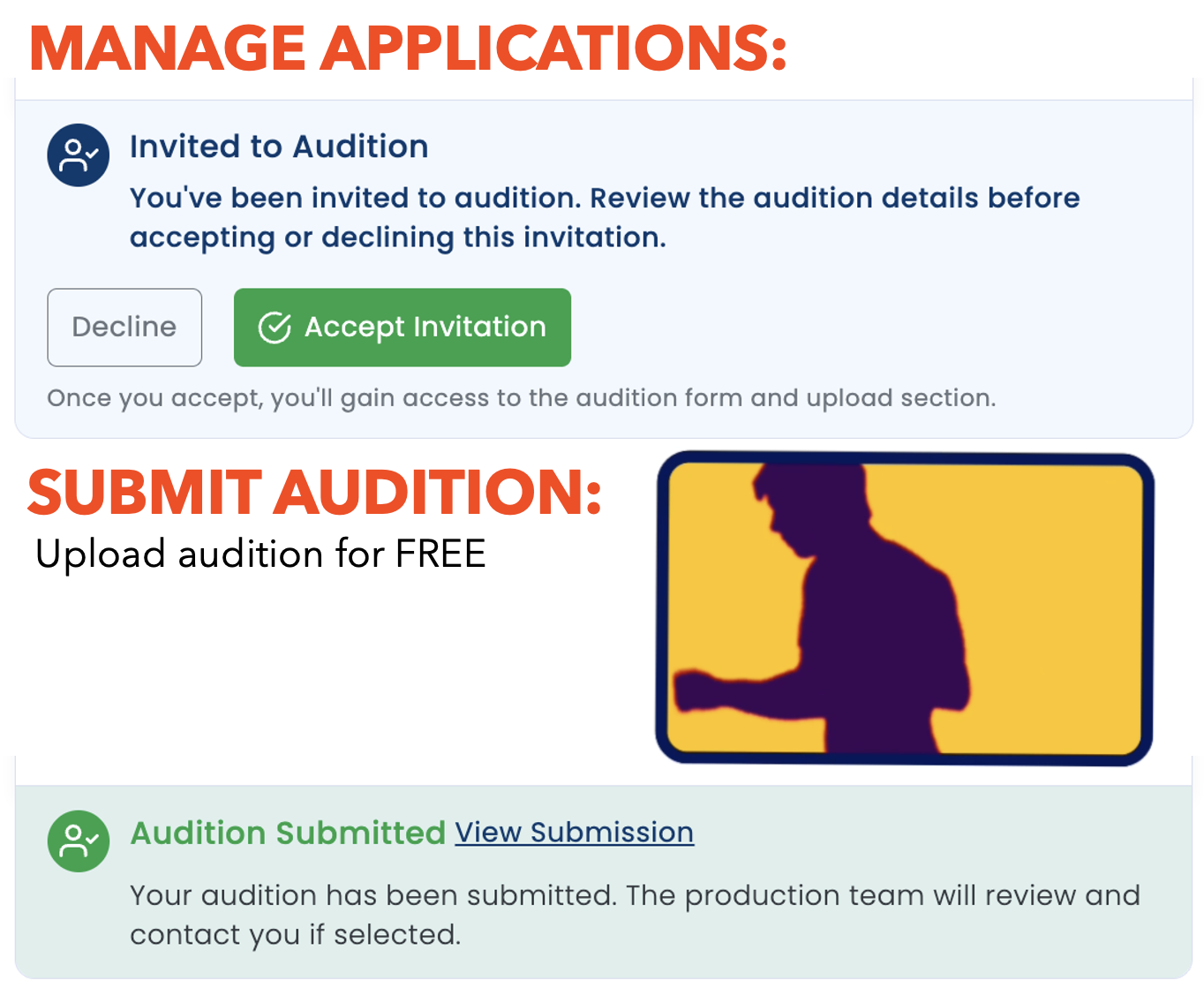
SELF-SUBMIT: Submit yourself for work and manage callbacks directly with the production by accepting self-tape requests invitations at no cost.
AGENT SUBMIT: Allow your agent to submit you for work. You can view the projects they have submitted you for and track your progress. Be sure to add your agent to your profile.

PROFILES

Create a PROFILE.
Your STAGE DOOR profile allows you to identify your skills, background information, upload your resume and videos/photos from your portfolio to allow others to find you. You can also include any creative services (or survival job skills) to help ensure your creative endeavors match your goals.
TAG YOUR ROLES/SKILLS
SELF-IDENTIFY YOUR BACKGROUND/GOALS
CREATE A DYNAMIC PORTFOLIO
RESUME/CREDITS
SHOW RECOMMENDATIONS
Tag Your Skills.


AGENTS/MANAGERS:
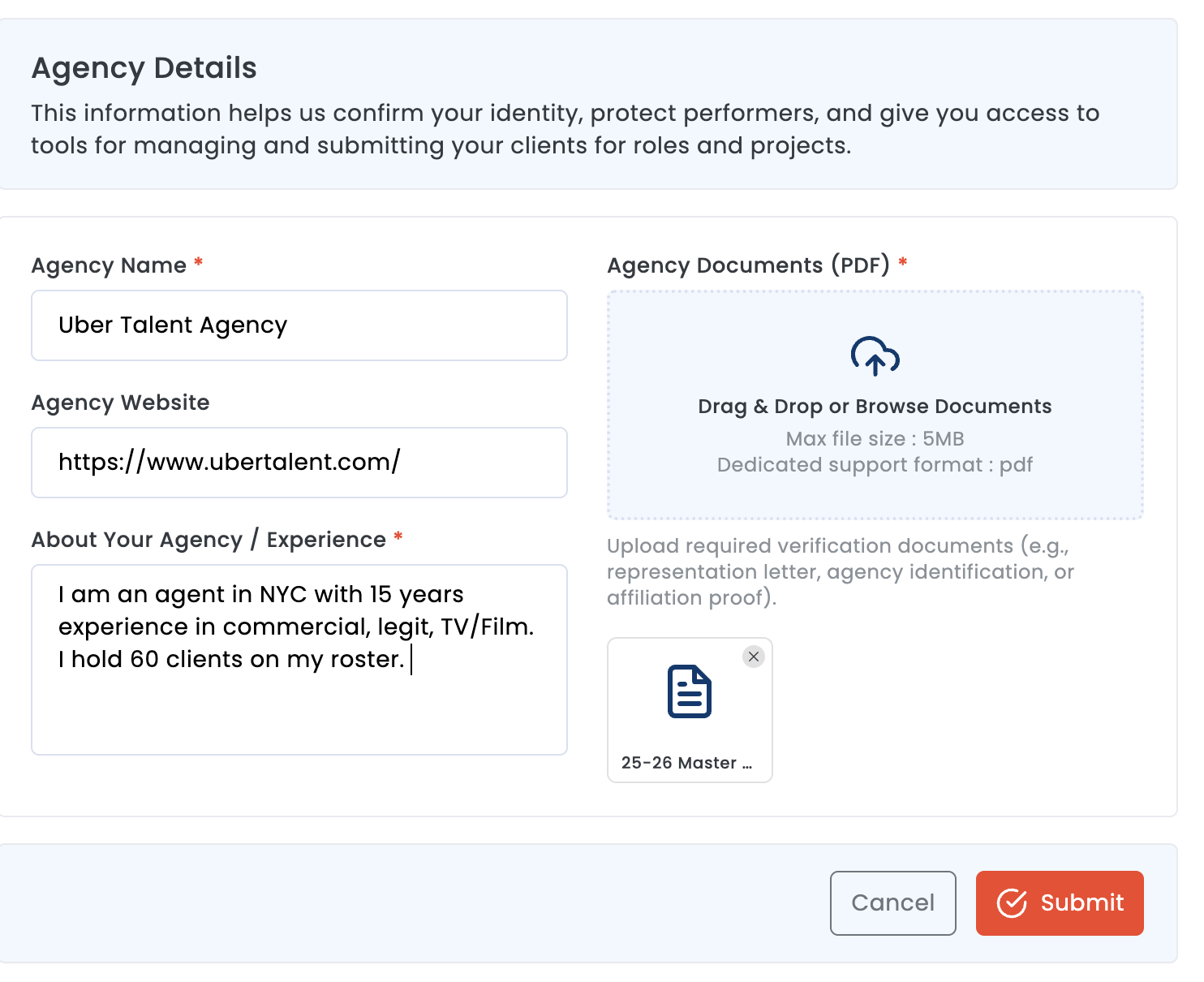
Your STAGE DOOR profile allows you to claim the artists on your roster and submit them for work, manage their auditions with casting:
VERIFY YOUR STATUS: Activate your AGENT HUB by verifying your agency. When you choose AGENT as your role, you will be sent the verification information.
CLAIM YOUR ROSTER: Fill your roster by tagging your clients, who will accept you as their representative and will allow you to submit them for work.
SUBMIT YOUR CLIENTS: Submit your clients for work on each job breakdown.
TRACK STATUS: Track the status of each submission, self-tape invitation, callback.
SELF-TAPE REQUEST: When casting sends a self-tape request, both YOU and the artist will get notified so the artist can accept (or dismiss) the invitation. You can see in the system when the artist has submitted the video (and watch the uploaded video).